Uploading files from Google Drive to Schrift
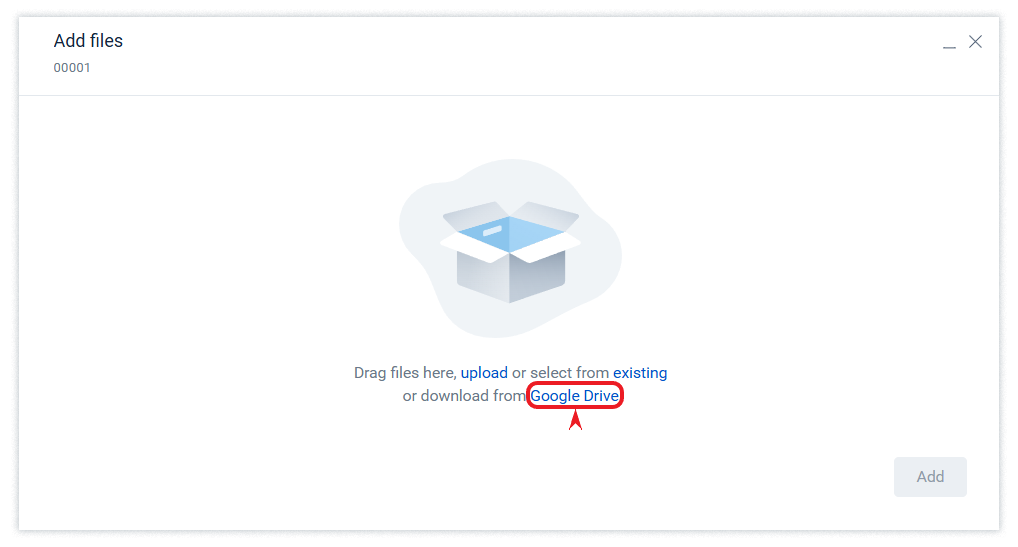
To upload files to the Schrift system, select the “upload from Google Drive” option
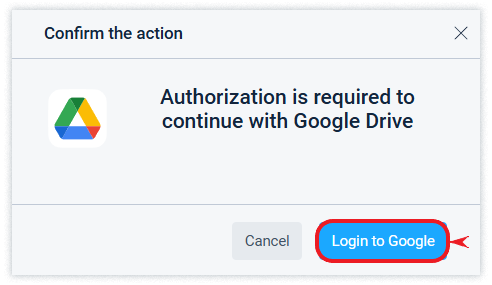
If the user is not yet logged in to their Google account in the browser where the action is performed, then after authorization, Google will ask for confirmation of permission to grant the Schrift DMS access to the user's Google Drive.
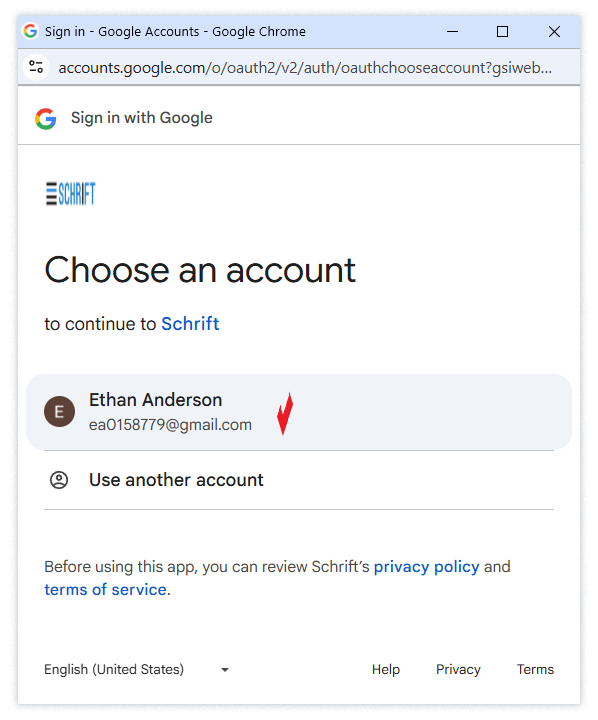
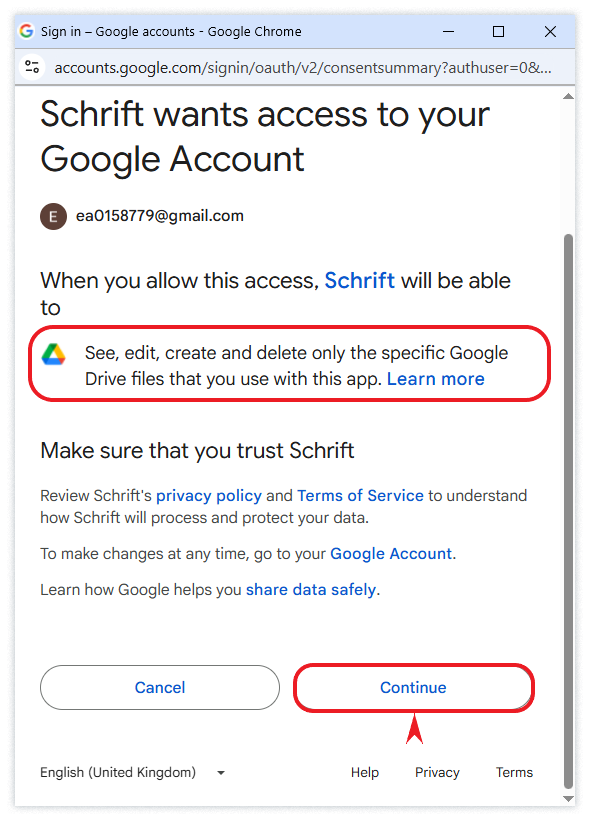
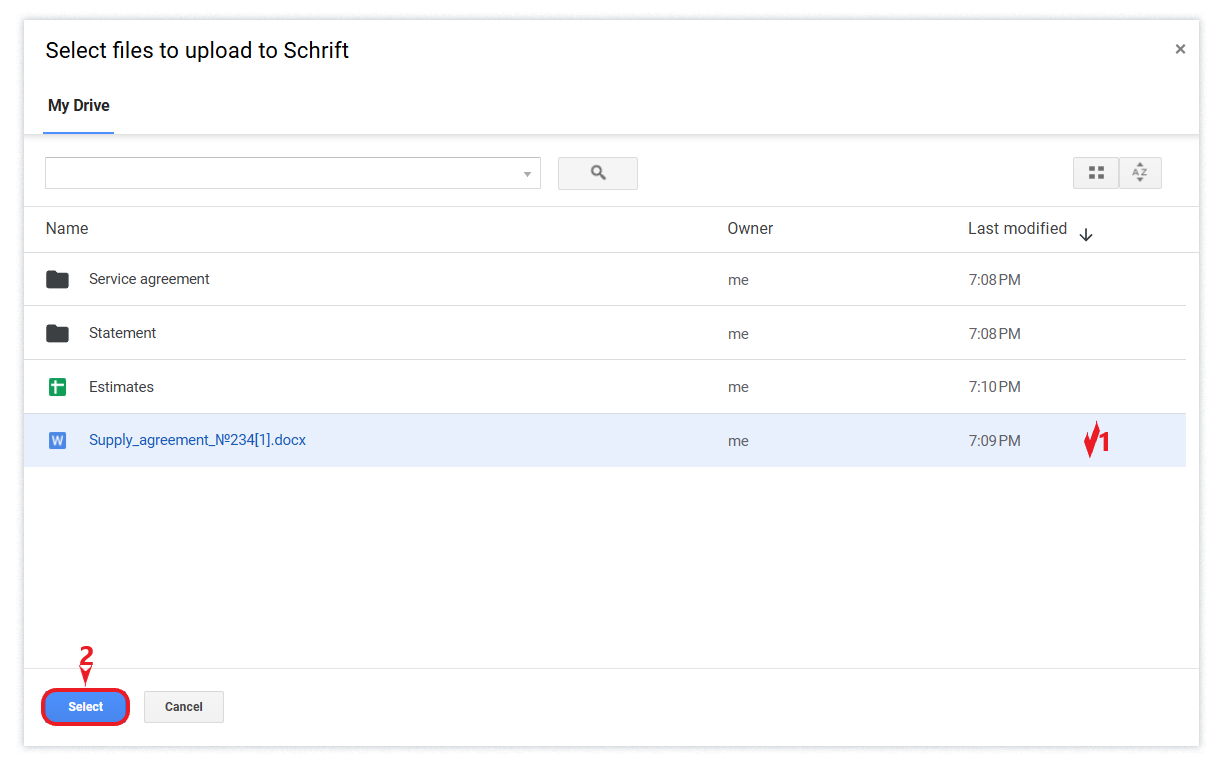
After successful confirmation, a Google Drive window will be displayed to select the file to be uploaded to the Schrift.
Upload files from Schrift to Google Drive
Schrift allows you to save any file available to the user in the system to Google Drive.
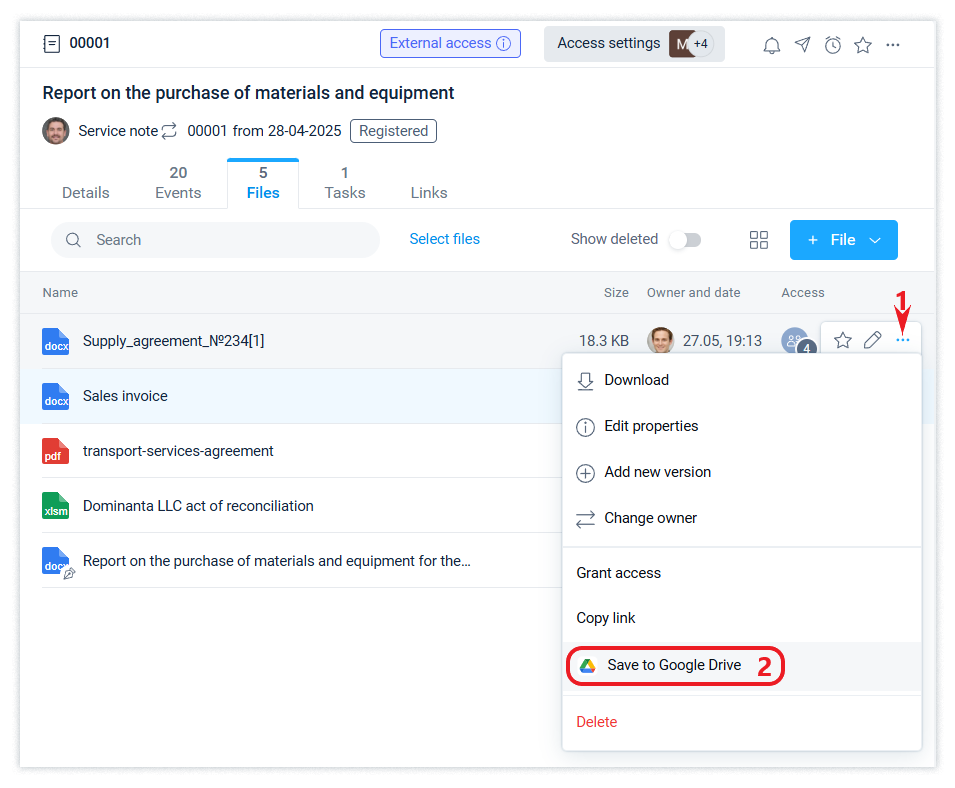
If necessary, Google will ask for appropriate confirmations (permissions) from the user, similar to those described above.
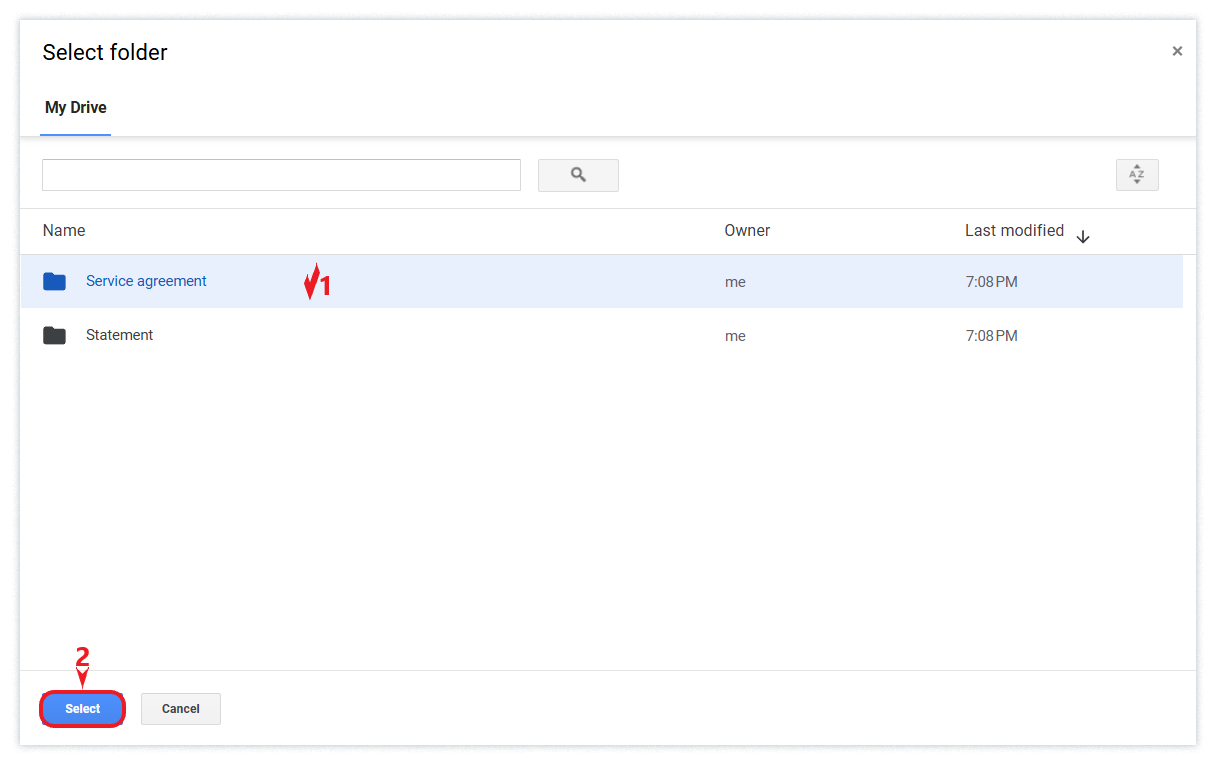
As a result, the user will be shown the Google Drive interface to select the folder where the file should be saved.